gitRmap: Options
Overview - How do I edit the attribute data shown?
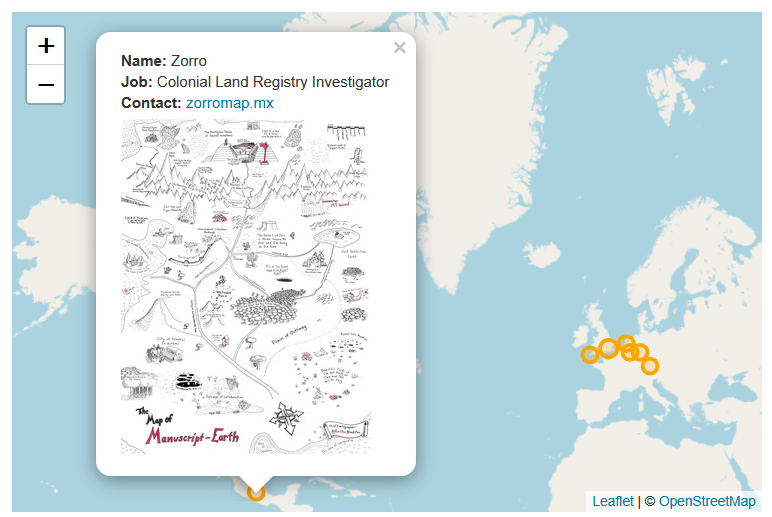
The attribute data shown in the popup (Name, Job, Contact etc.) is dynamically created based on the columns in locations.csv. The standard column are city, state, country, lat and long. If you have no other columns, there will be no popup. (Rename locations-no-popup.csv to locations.csv and see what happens). If you have extra columns, they will appear in the popup. The column named contactlink will be rendered as a HTML link.
Removing Popups
To remove the popups from the map, remove all the extra columns, so you only have city, state, country, lat and long. Then no popup will be created. See an example in locations-no-popup.csv.
Adding Images
You can add images to the popup if you want to. To do this, add a column called image into the locations.csv file. Fill this with either a URL to an image, or an image file (which can be stored in docs/images). This will be automatically added to the map.
The size of the image is set in index.html, currently line 285:
parts.push("<img src='" + src + "' style='width:100%;max-width:200px;margin-top:5px;'>");
You can adjust the max width. 200px is the default.